
Ten ways your map could look, when you own the colors.
The plugin ships with three base presets: Light, Dark, and Standard. Everything below is what your map becomes when Modern Maps Pro pulls colors from your Gutenberg theme and you reach for the LCH and gradient controls. Each card is a starting point, not a stock preset.
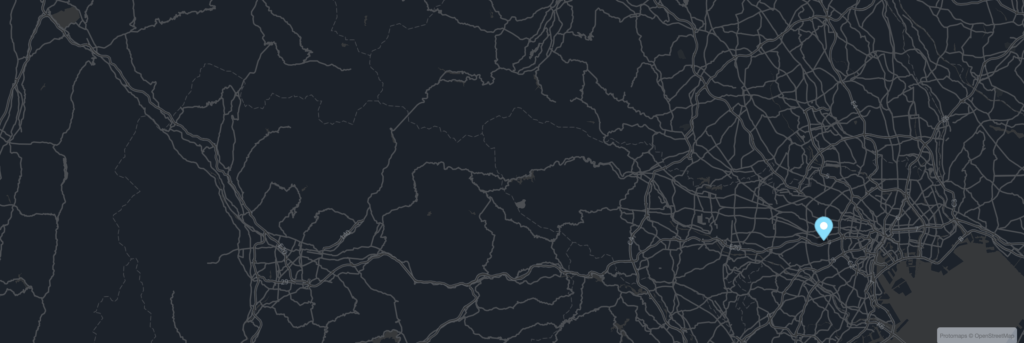 53.9591 · -1.0815
Charcoal
YorkshireRegional only. Graphite roads on a near-black ground. Quiet dark mode footer material.
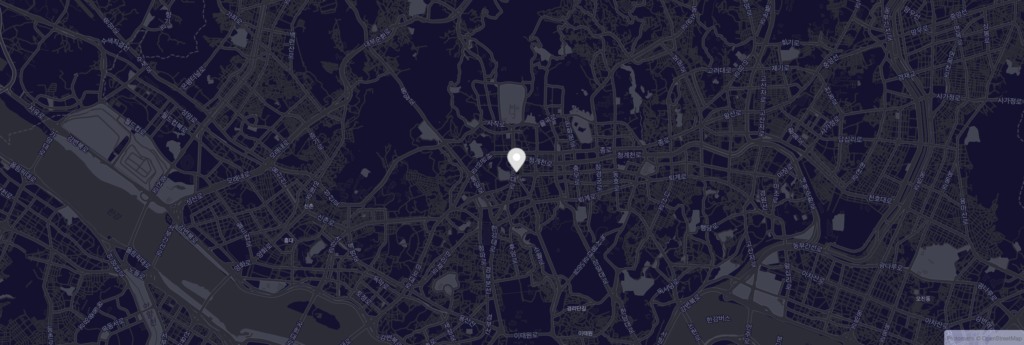 40.7128 · -74.0060
Midnight
New YorkIndigo at the deepest end. Streets glow without shouting. The most-tested preset on real product pages.
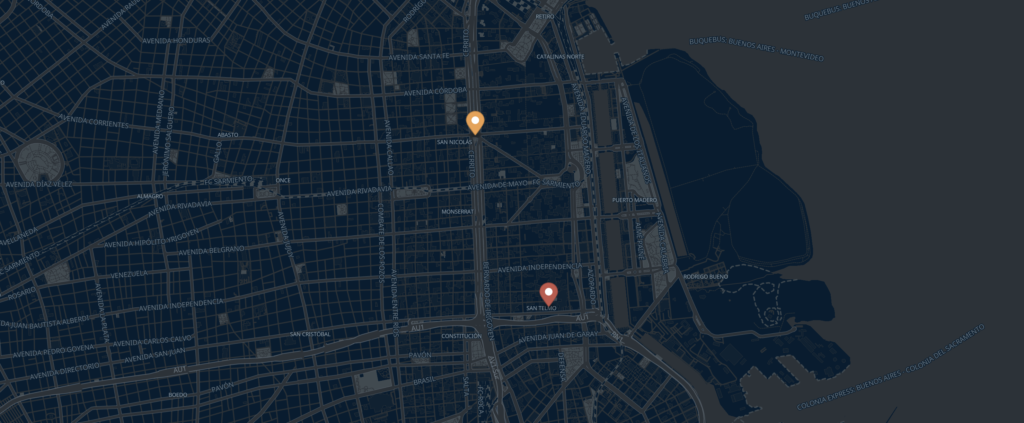 -34.6037 · -58.3816
Buenos Aires · Tango
Buenos AiresIndigo over the Plata. The plaza and San Telmo, after the lights come up.
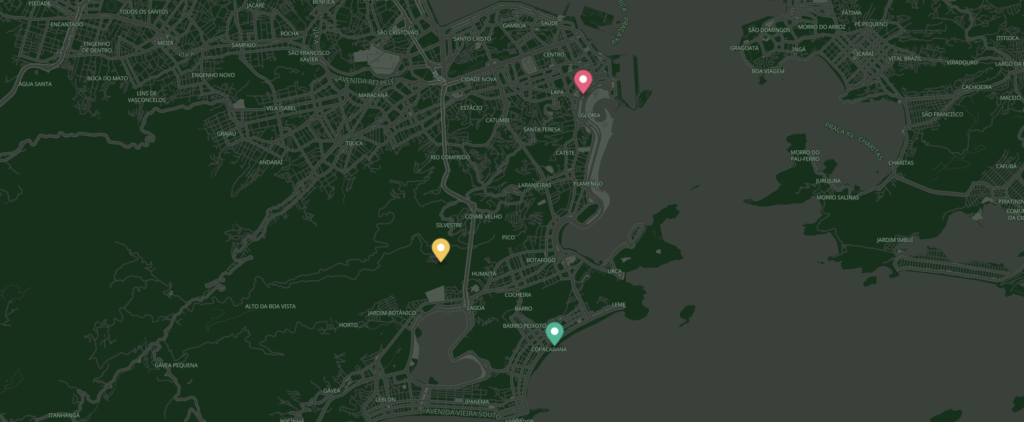 -22.9519 · -43.2105
Rio · Carnival
Rio de JaneiroForest green over the bay. Christ, Copacabana, and Lapa, in carnival color.
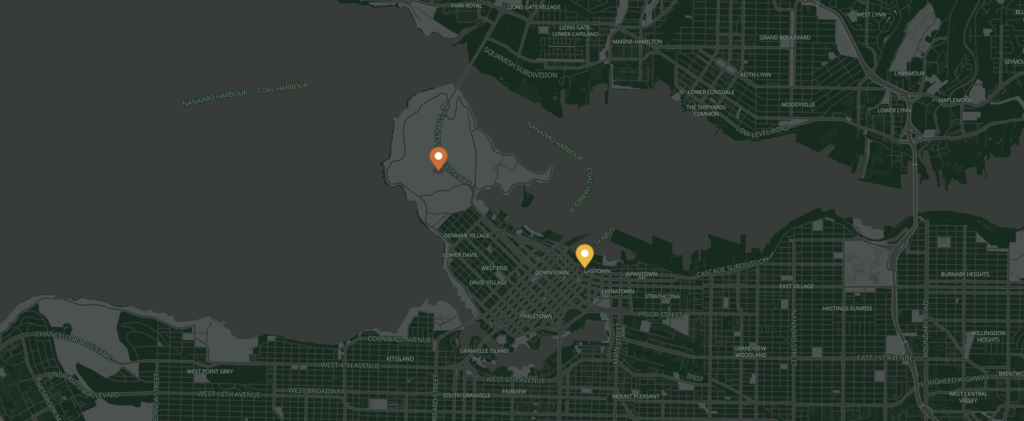 49.2827 · -123.1207
Vancouver · Cedar
VancouverCedar over the rainforest. Stanley Park and Gastown, in the dark green hours.
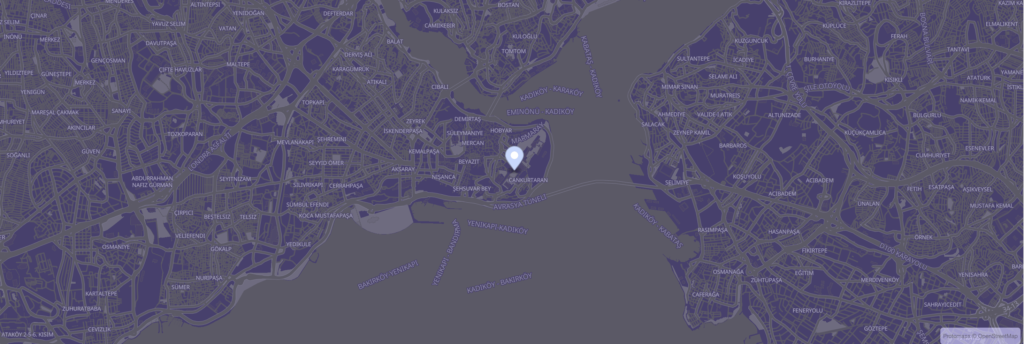 41.0082 · 28.9784
Dusk
IstanbulSunset over the Bosphorus, encoded as tiles. Warmest of the warms.
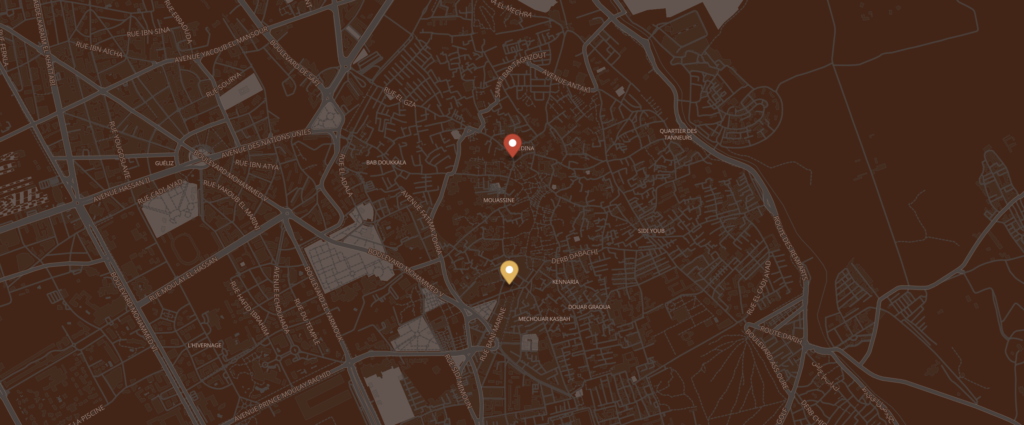 31.6258 · -7.9892
Marrakech · Souk
MarrakechEarth tones over the medina. Saffron and clay, the warm half of the wheel.
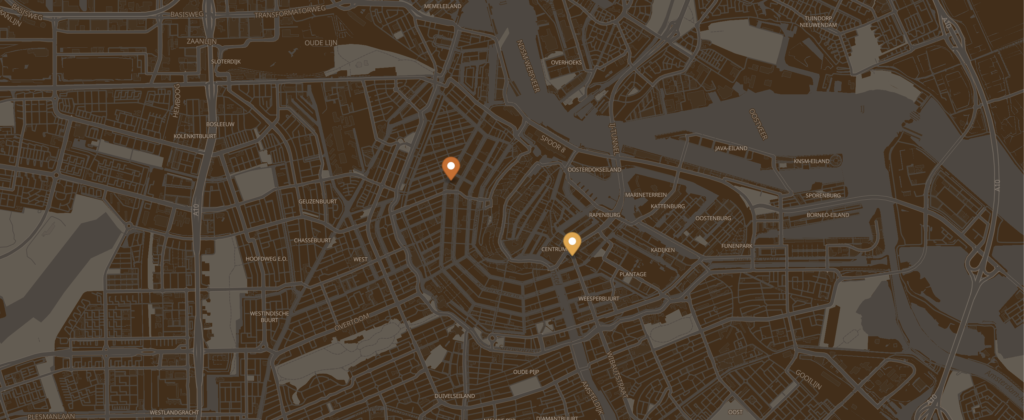 52.3676 · 4.9041
Amsterdam · Canal
AmsterdamSepia over the canals. Dam Square and Anne Frank House, in concentric warmth.
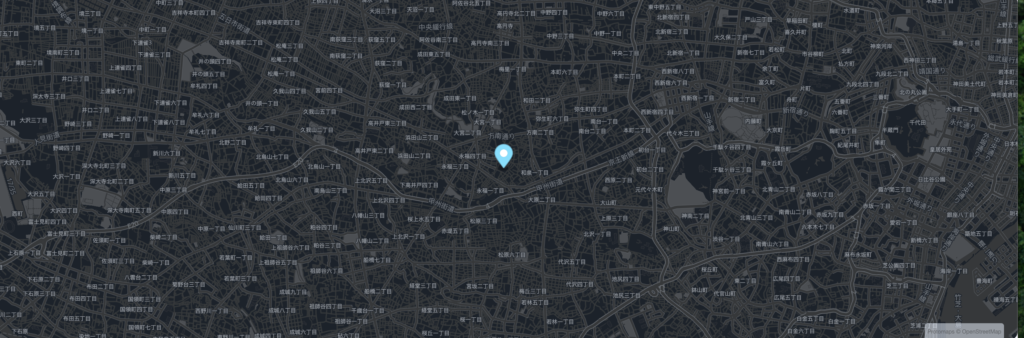 35.6762 · 139.6503
Onyx
TokyoFor when the rest of the page is dark. Cyan pin, no exception. Road grid like silk.
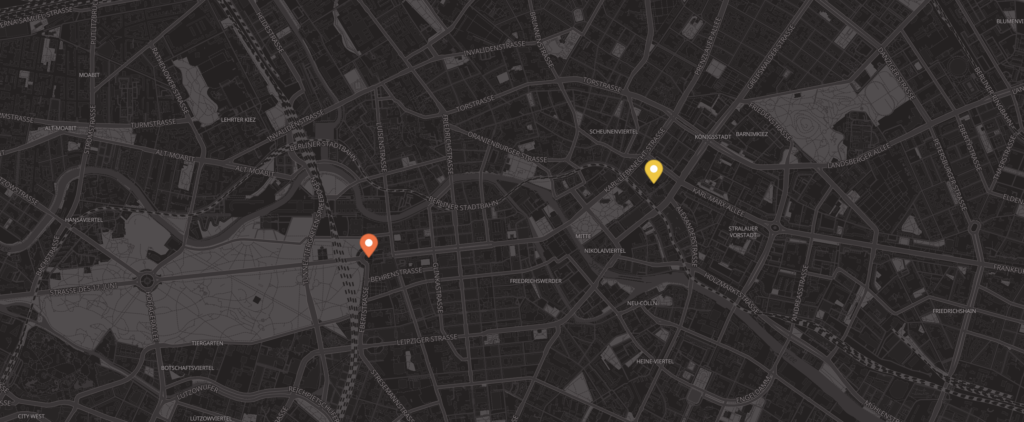 52.5200 · 13.4050
Berlin · Concrete
BerlinConcrete over the city. Brandenburg Gate and Alexanderplatz, in neutral gray.
No presets match your search. Try clearing it.

Put your location on the map.
Start free with three base presets. Reach for full color control with Modern Maps Pro.
modernmapswp.com