
◉ Inspiration · what’s possible with Pro
Ten ways your map could look, when you own the colors.
The plugin ships with three base presets: Light, Dark, and Standard. Everything below is what your map becomes when Modern Maps Pro pulls colors from your Gutenberg theme and you reach for the LCH and gradient controls. Each card is a starting point, not a stock preset.
24 examples
·
3 palettes
·
3 shipped
·
updated 10/02/2026
Neutral palette
High contrast. Pin colors carry the brand. Let chrome do the rest.
4 presets
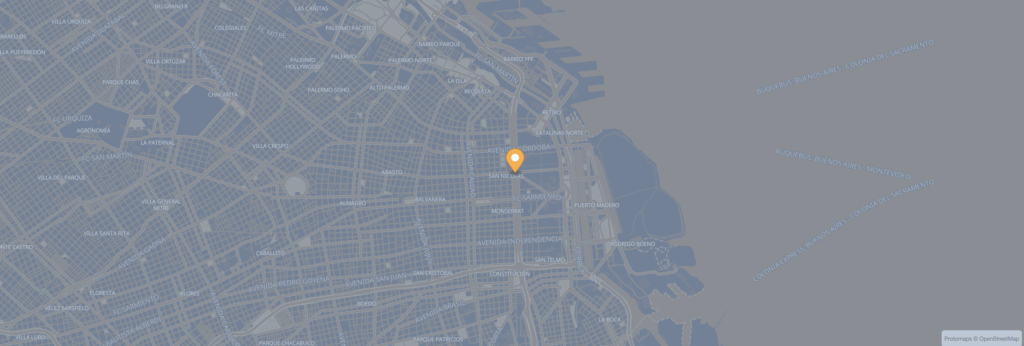 -34.6037 · -58.3816
Graphite
Buenos AiresA neutral that refuses to commit. Pair with any accent: let the chrome carry the warmth.
Cyan pin
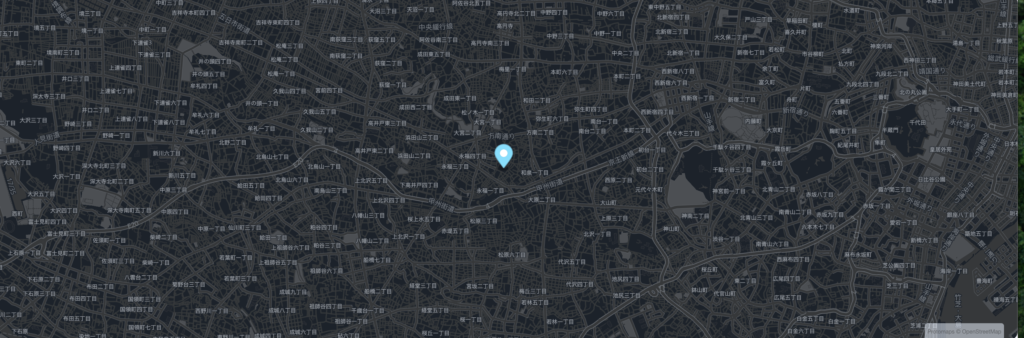 35.6762 · 139.6503
35.6762 · 139.6503
Onyx
TokyoFor when the rest of the page is dark. Cyan pin, no exception. Road grid like silk.
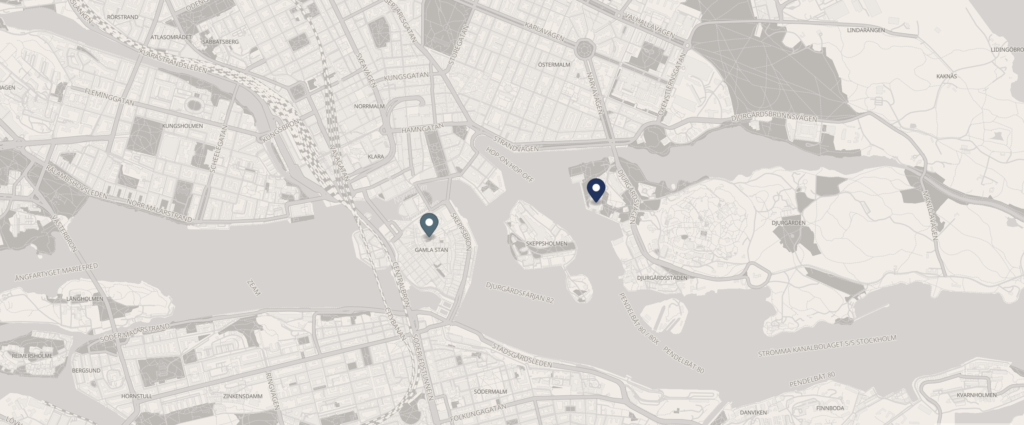 59.3293 · 18.0686
Stockholm · Hygge
StockholmA whisper over the archipelago. Gamla Stan in the lightest possible read.
Dark
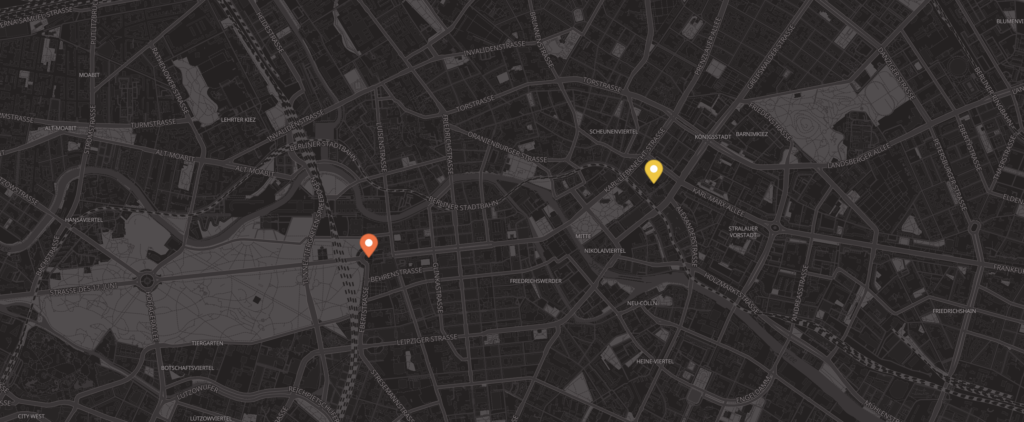 52.5200 · 13.4050
52.5200 · 13.4050
Berlin · Concrete
BerlinConcrete over the city. Brandenburg Gate and Alexanderplatz, in neutral gray.
No presets match your search. Try clearing it.

Put your location on the map.
Start free with three base presets. Reach for full color control with Modern Maps Pro.
modernmapswp.com